
Slotbound
guide
From your first summon to the final boss. Know what to keep, what to absorb, and what changed in the latest patch.
Plan the next wave.
Know your units
Compare five Normal starters, their imprints and promotion paths. Search the unit you have in front of you.
Open the rosterChoose your priorities
A focused starter tier list with explicit roles, trade-offs and version limits. Find the right fit for your army.
Read the tier listMake a build work
Follow a documented Hard-mode run from its early army to a late carry. Learn what makes a pivot viable.
Study the build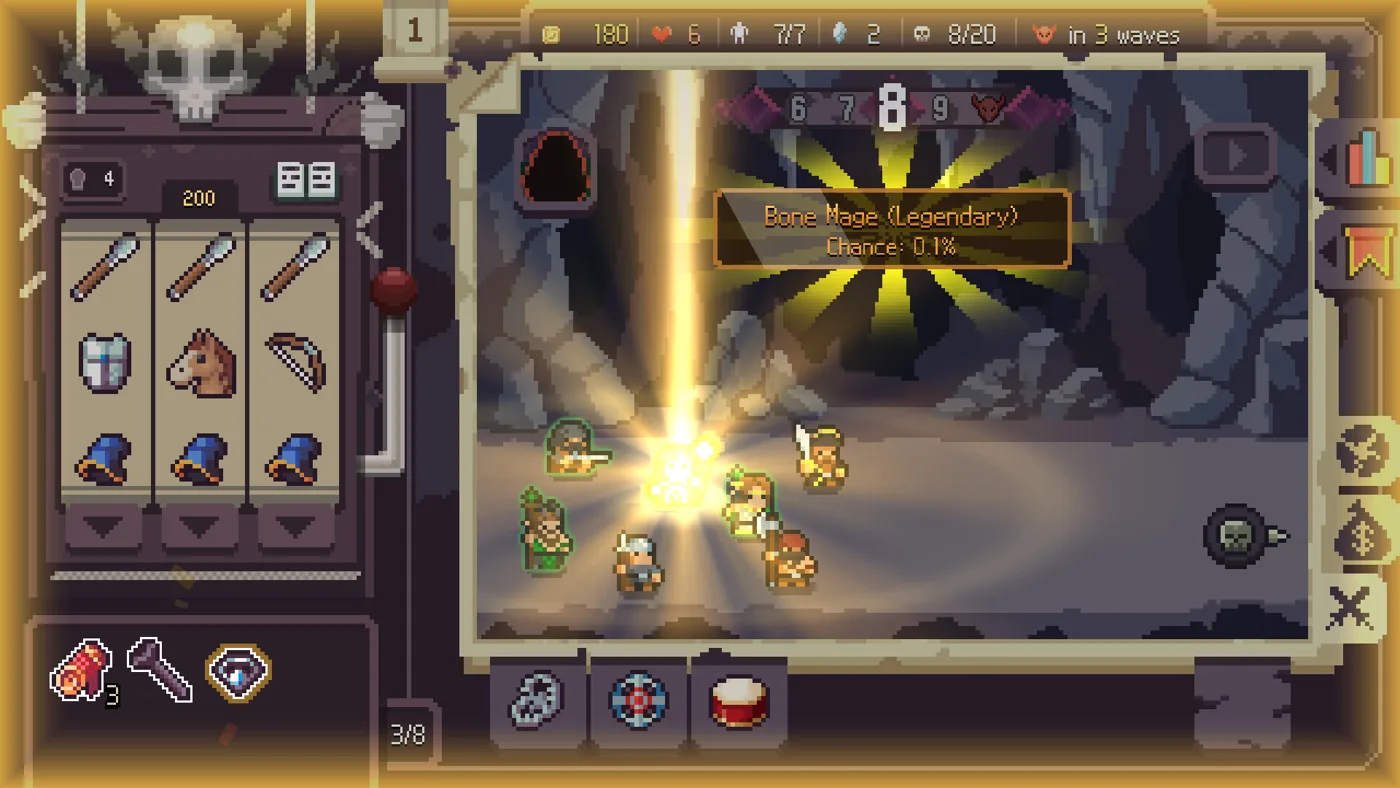
How does Slotbound work?
Slotbound is a single-player roguelike auto-battler by Optima Arch. The full game is available to buy on Steam for Windows and macOS.
What decides which units I get?
Matching symbols on the 3×3 reel summon units for your army. You choose which fighters to develop between waves, then they fight automatically.
Why keep a weak unit instead of absorbing it?
Check its job first. If a Warrior is the only fighter holding enemies away from your Mage, absorbing it costs you that protection. A spare copy gives you a donor without leaving the Mage exposed.
How should I approach my first wave?
Spin with Space, inspect the units you summoned, then start the battle. Watch which fighter falls first. Before the next wave, decide whether a new summon should fill that gap or strengthen a survivor.
Walk through the first runSteam store snapshot checked 17 Nov 2026. Coverage counts refer to this site, not the complete game. Sources and official resources.
Back to your run.
Choose your Core.
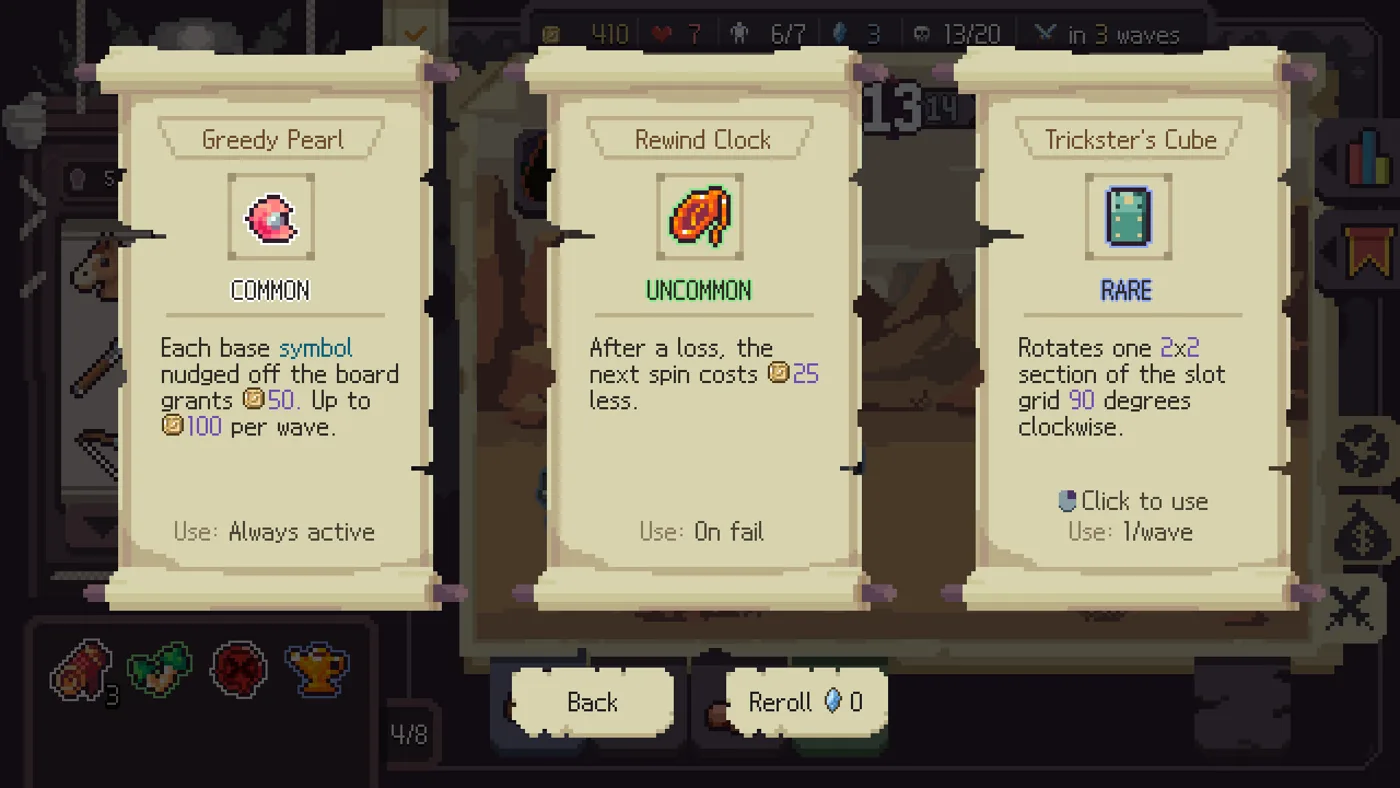
A discount, a gold trigger and a board rotation do different jobs. Read the condition first, then decide whether your run can use it.
Two players. Two runs.
A full run with chapters for the opening, pivot and final boss. Our build notebook follows the creator's stated route.
Original video on YouTubeA commentary run from Dabble. Watch the surrounding army and effects, not only the headline unit.
Original video on YouTubeClick to load YouTube playback. Player footage shows the recorded build; it does not guarantee the same pulls or results.
One more run?
Keep a guide open. Make the next choice yours.
Browse the field guide Original AI-generated site illustration.Slotbound FAQ
Getting the game
Where can I try Slotbound for free?
Download the free Slotbound Demo on Steam. It has its own library entry. If you want the full game, look for the separate paid listing by Optima Arch.
Get the Steam demoDoes my demo progress carry over to the full game?
No. The developer confirmed that demo progress stays in the demo. When you start the full game, plan to unlock your upgrades again.
Read the developer’s replyCan I play Slotbound on Android or iPhone?
The full Steam release lists Windows and macOS. Optima Arch has discussed a future mobile version, but the developer’s reply gives no release date or phone download link.
Check official releasesDoes Slotbound support controllers and Steam Deck?
Yes. The full game lists full controller support and Valve rates it Steam Deck Verified on Steam (checked 18 November 2026). Press View on a gamepad to open the Collection during a run.
Check the controlsDuring a run
Why do the reels shake red when I try to spin?
Check whether your army is full. That was the cause in a player’s Steam report. If you are at capacity, absorb a spare unit to make room. If you still cannot spin, check your remaining spins and finish any open choices.
Troubleshoot a blocked spinWhich unit do I drag when I want to absorb it?
Drag the unit you want to give up onto the unit you want to keep. Between battles, press A to enter Absorb Mode, check both names, then merge one donor and inspect the survivor’s imprint.
Follow a worked absorption exampleCan I look up a class before choosing a promotion?
Yes. Open the Collection during the promotion choice with C, the battlefield’s right-hand tab, or View on a gamepad. Compare the two classes’ skills before returning to make your choice.
Compare starter promotion pathsWhat do I have to clear to unlock Rare units?
In v1.0.0 (9), clear Stage 2 on Normal, then check the Rare node in the upgrade tree. Older guides may say Stage 3 on Easy. Meeting the unlock requirement does not guarantee a Rare on your next spin.
Check the Rare unlock requirementCan I leave a run and finish it later?
Yes. Slotbound supports mid-run saving. Use the in-game exit option, then choose Continue when you return to the same edition. Check the wave and your army before your next spin.
Read the save and resume checklist